WordPress maintenance & security

WordPress Maintenance & Security.

Cubehawk helps businesses investigate and repair existing WordPress problems, recover from technical or security incidents, and establish ongoing maintenance where dependable continuity matters.

A focused repair and recurring support are different engagements. The right starting point follows the condition of the website, the problem to solve, and the responsibilities the business needs covered.

Support pathSignal active
  1. 01

    Issue

    Share the visible problem.

  2. 02

    Investigate

    Trace the affected system.

  3. 03

    Repair

    Complete the agreed fix.

  4. 04

    Maintain

    Continue where useful.

A visible issue can lead to a focused repair or reveal the need for continued technical attention. The relationship follows the problem rather than a preset package.

Two support paths

Resolve a specific problem or maintain the system over time.

01Focused technical work

Something is wrong and needs a focused response.

For an existing WordPress problem that needs investigation, recovery, repair, or a clearly bounded technical intervention.

  • Troubleshooting and repair
  • Malware investigation and recovery
  • Form, SMTP, or email issues
  • Performance and website health investigation
02Ongoing maintenance

The website needs dependable attention over time.

For businesses that want recurring technical upkeep and a continuing support relationship shaped around an agreed scope.

  • WordPress, theme, and plugin updates
  • Website health and security reviews
  • Backup and restoration support where agreed
  • Continued technical maintenance and refinement
Technical scope

Practical WordPress support, defined around the website.

These capabilities can form a focused technical task or part of an ongoing arrangement. Inclusion depends on the agreed scope, access, and website context.

Website healthConnected context
01WordPress
02Updates
03Security
04Forms
05Backups
06Performance

A WordPress problem may sit in the site, a plugin, email configuration, hosting, or another connected dependency. Investigation keeps those relationships visible.

01

WordPress troubleshooting

Investigating errors, broken behavior, update conflicts, and other technical problems before deciding what should be repaired or replaced.

02

Malware and security response

Reviewing signs of compromise, supporting recovery, and addressing relevant website risks within the agreed access and technical context.

03

Updates and compatibility

Managing agreed WordPress, plugin, and theme updates with attention to compatibility rather than treating every update as an automatic click.

04

Forms, SMTP, and email delivery

Diagnosing website form behavior, delivery configuration, and related email connections when inquiries or notifications are not working as expected.

05

Backups and restoration

Reviewing or establishing a practical backup and restoration approach where it is included in the engagement and supported by the hosting environment.

06

Performance investigation

Finding likely causes of slow or unstable behavior across the website, plugins, media, or hosting context before recommending proportionate work.

07

Website health reviews

A focused review of the current WordPress setup, visible risks, update state, forms, and relevant technical concerns.

08

Continuing technical support

Ongoing maintenance and problem solving for businesses that benefit from keeping website context with one technical partner.

How support begins

Make the problem visible before prescribing the work.

Technical support is more useful when symptoms, access, dependencies, and responsibility are understood before a repair or maintenance plan is assumed.

  1. 01

    Context

    Start with the symptoms and access available.

    Share the website URL, what changed, what is failing, when it began, and any useful error messages or provider notices.

  2. 02

    Assess

    Establish the likely cause and boundaries.

    Review the relevant WordPress, plugin, theme, hosting, form, email, or security context before treating the symptom as the full problem.

  3. 03

    Act

    Complete the agreed repair or maintenance work.

    Carry out the defined technical work, keeping the intervention proportionate to the issue and the access available.

  4. 04

    Continue

    Close clearly or establish ongoing support.

    A focused task can conclude after the agreed work, or continue into a maintenance relationship when recurring attention makes sense.

Support evidence

Technical relationships that continued beyond launch.

These examples show the support Cubehawk is known to have provided. Each relationship had its own scope and maintenance needs.

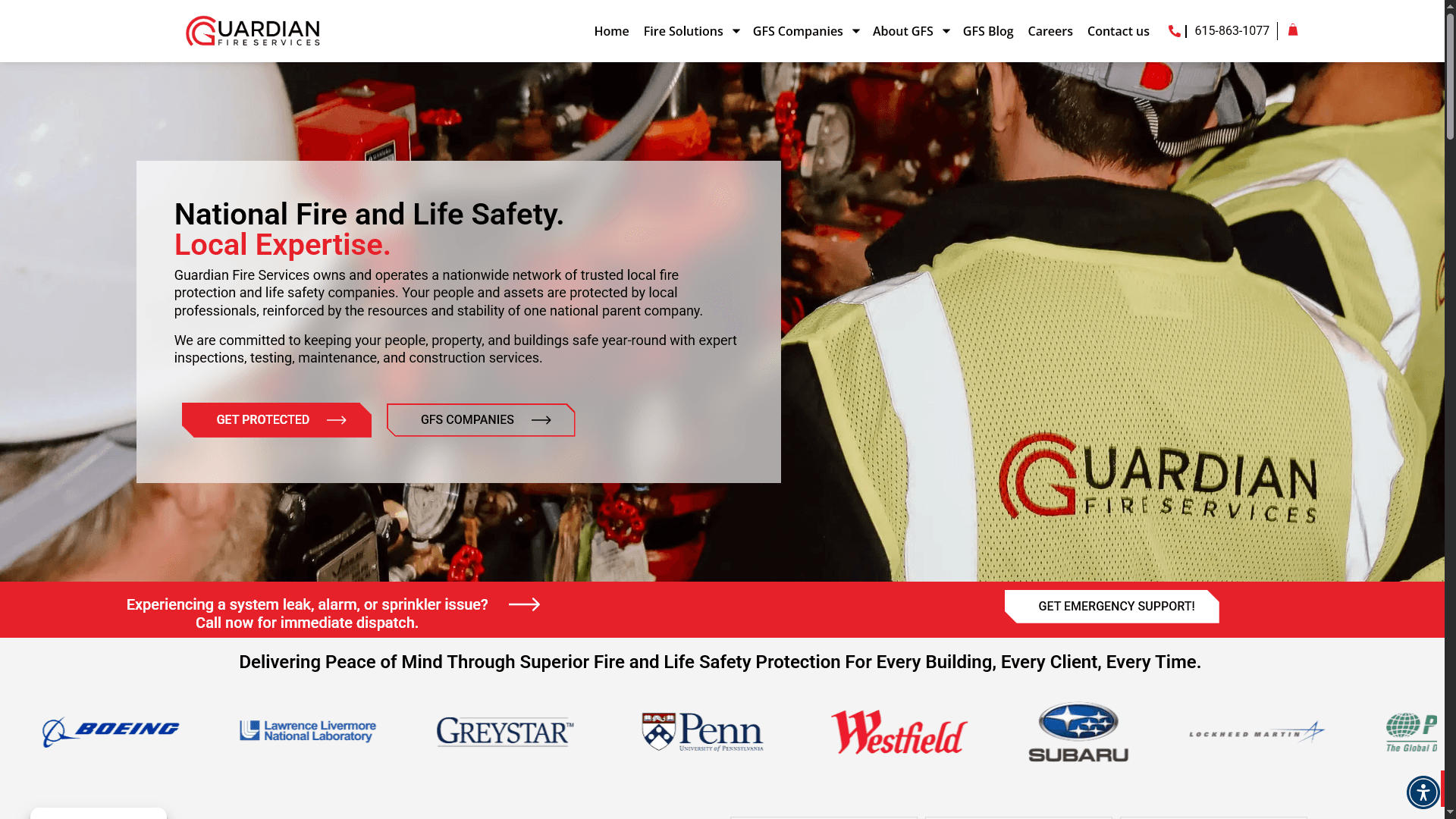
Guardian Fire Holdings website maintained by Cubehawk
01

Guardian Fire Holdings

Maintenance / continued development / security support

Cubehawk remained involved after the WordPress build through maintenance, ongoing design and development changes, and security and reliability support, including response to repeated malicious login activity.

Northeast Automatic Sprinkler website supported by Cubehawk
02

Northeast Automatic Sprinkler

Malware recovery / hosting / indexing / structured data / support

The relationship included recovery from a compromised website and malware, hosting setup, indexing fixes, structured data, and continued technical and design support alongside the WordPress work.

B-Tech Fire and Security website supported by Cubehawk
03

B-Tech Fire & Security

Security / email configuration / structured data / support

Cubehawk supported security work, SMTP and email setup or repair, structured data, and smaller continued technical changes around the WordPress website.

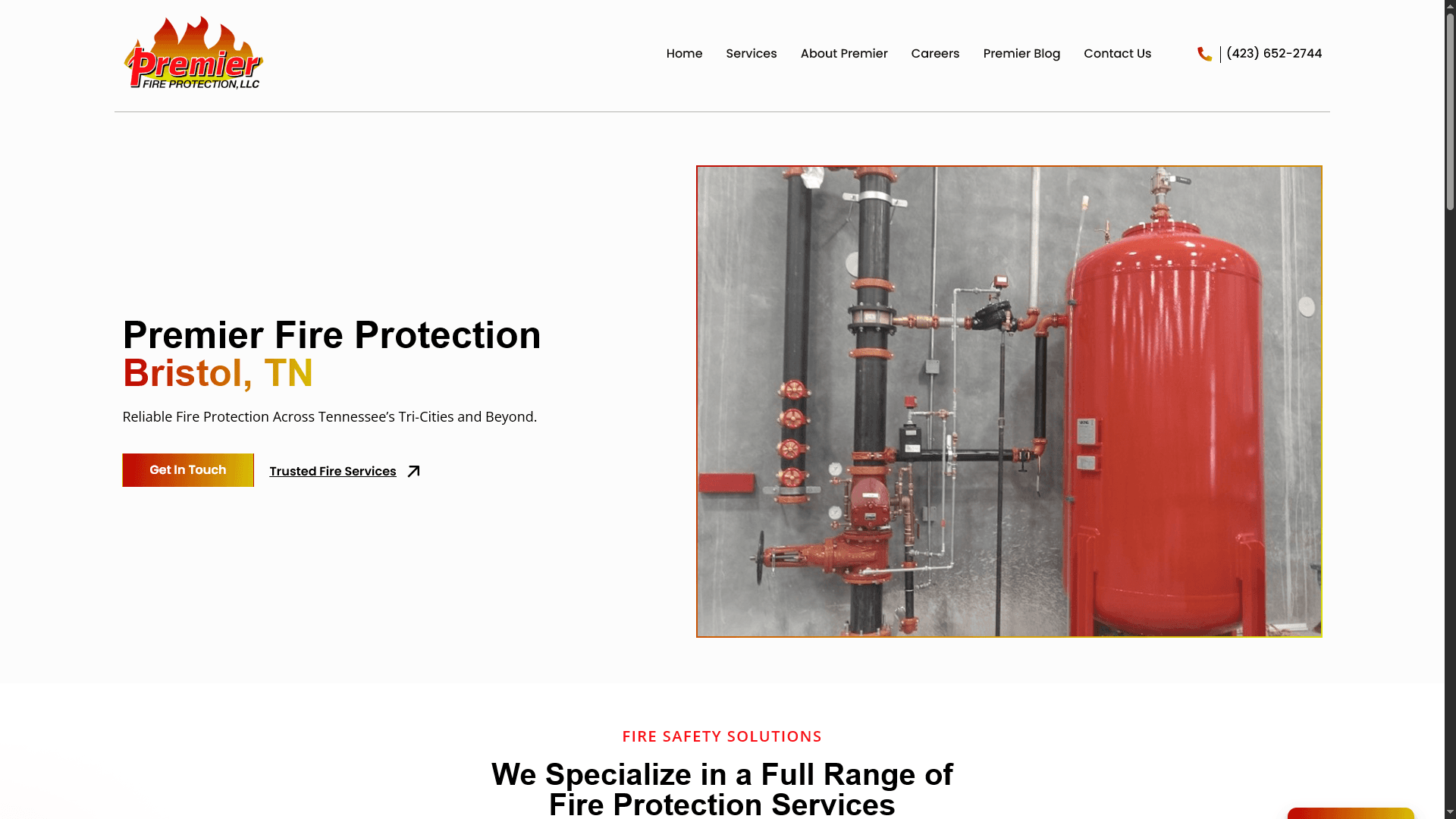
Premier Fire Protection website supported by Cubehawk
04

Premier Fire Protection

WordPress / technical and support work

After the Figma redesign and WordPress rebuild, Cubehawk remained involved in verified technical and support work connected to the website.

View selected work
Support boundaries

Dependable support starts with clear responsibility.

01

Useful starting information

The website URL, a description of the issue, when it started, recent changes, screenshots or error messages, and the relevant hosting or provider context help establish the next step.

02

Access follows scope

WordPress, hosting, DNS, email, or provider access is requested only when it is relevant to an agreed investigation or technical task.

03

Scope is explicit

A repair, recovery task, health review, or maintenance agreement can involve different responsibilities. The included work is defined for the engagement rather than implied by the service name.

04

Security has limits

Security work can reduce risk and address known issues, but no website or maintenance arrangement can promise complete protection from every failure, attack, or external vulnerability.

Maintenance & security FAQ

Questions to clarify before technical work begins.

01Can Cubehawk help with a single WordPress problem?

Yes. A focused technical issue can be handled as a single engagement when the problem, access, and desired outcome can be reasonably defined. It does not require an ongoing maintenance agreement.

02What can ongoing WordPress maintenance include?

An agreement may include selected updates, website health checks, backup or restoration support, troubleshooting, security attention, and continued technical changes. The exact responsibilities and cadence are agreed for the website. They are not automatically included as one universal package.

03Can you recover a compromised WordPress site or one affected by malware?

Cubehawk can investigate and support recovery where the website, hosting access, available backups, and technical conditions make that work practical. The first step is understanding what happened and what access or recovery options remain.

04Do you fix WordPress forms and email delivery?

Yes, form behavior, SMTP configuration, notification delivery, and related website email issues can be investigated. Resolution may depend on WordPress, the form plugin, DNS, the mail provider, or another connected service.

05Does maintenance guarantee that the website cannot be hacked or go offline?

No. Maintenance and security work can reduce known risks, improve upkeep, and make technical attention more deliberate, but it cannot guarantee complete protection, uninterrupted availability, or control over every hosting and external dependency.

06What do you need before investigating a problem?

Begin with the website URL, a clear description of the symptoms, when they started, recent changes, and any visible errors or provider notices. Access can be discussed after the initial context establishes what is actually needed.

07What if the website needs a rebuild rather than a repair?

If the underlying implementation cannot reasonably support the required fix or future direction, Cubehawk will distinguish that from maintenance work. A new WordPress Development project or a WordPress Website Redesign may then be the more appropriate path.

What do you need help with?

Choose the closest fit. This only helps frame the conversation.

If something interrupts

Your details stay in place so you can try again.

Review any highlighted field, then resubmit when you are ready.